
FR Legends Mod Apk on iOS, What Actually Works
Short version: an apk cannot be installed on a stock iPhone or iPad. But "not on iOS" doesn't mean "not for you", here's exactly what works, what doesn't, and the risks you should know about before trying any workaround.
The Short Answer
Apk files are Android-only, full stop
An apk is a package built for the Android operating system. iOS runs a completely different system with its own app format, its own signing rules, and a closed distribution model. No amount of clever workaround changes that: on a stock iPhone or iPad, an apk file simply will not install.
That's the hard part of the answer, so let's get it out of the way first. If someone on a forum tells you they "installed the apk on their iPhone," they either have a modified device, an unofficial build that will likely break, or they're mistaken. The honest truth is that the FR Legends Mod Apk, the version with unlimited money and all cars unlocked, has no native iOS equivalent that we can recommend.
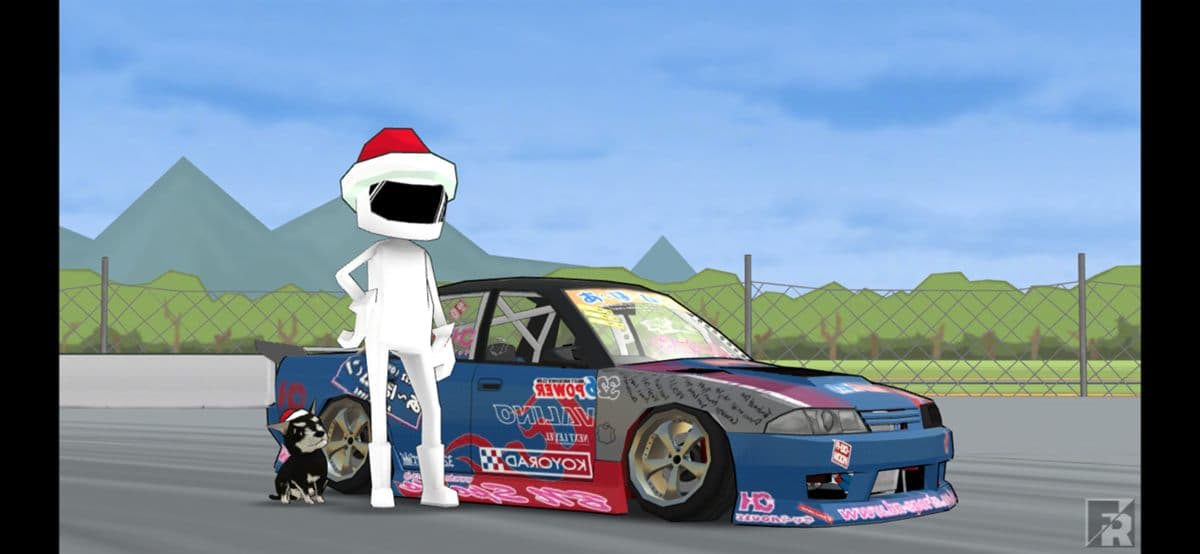
What iOS does have is the official game. FR Legends itself is available on the App Store, published by Twin Turbo Tech, and it's free. It runs the same drift physics and carries the same car roster, the AE86, the Supra, the Silvia S15, the RX-7, the R32 GT-R, the BMW E30, the Miata, and the rest, but without the mod's unlocked economy. For most iPhone and iPad owners, that official version is genuinely the best, safest way to play, and we say that without reservation.
What iOS Users Can Actually Do
Two honest paths, in order of how strongly we recommend them.
Option one: the official App Store game. Search "FR Legends" in the App Store, download it from Twin Turbo Tech, and drift. You'll grind coins the traditional way and live with the ads, but you get automatic updates, iCloud backups of your progress, and zero risk to your device or Apple ID.
Option two: play the mod on a device that can run it. If the mod's unlimited money and unlocked garage matter more than staying on your iPhone, the mod runs on any Android phone or tablet, and on a Windows PC through an emulator. The same account of progress doesn't carry over between the two, but you can keep both installed and pick per mood.
How Sideloading on iOS Actually Works
Before you judge the "no apk on iOS" answer, it helps to understand why the workarounds are so fragile.
Sideloading is the practice of installing an app on iOS without going through the App Store. The tools you'll hear about, AltStore and Sideloadly are the common ones, work by signing an app package (an IPA file, iOS's equivalent of an apk) with a certificate and pushing it to your device. Free Apple ID certificates last only seven days before the app needs re-signing, and paid developer certificates cost money and still get revoked.
So in theory, someone could rebuild FR Legends as an IPA and sideload it. In practice, the whole chain is delicate: the signing certificate can be revoked by Apple at any moment, which bricks the app until you re-sign it; the re-signing process needs your Apple ID; and every iOS update can break the tool entirely. It's a maintenance loop, not a one-time install.
The Real Risks of Sideloading a Modded Game
Every sideloading guide skips these. We won't.
Your Apple ID is the collateral
Sideloading tools ask you to sign in with your Apple ID, and unofficial distributors sometimes ask for it directly. That credential unlocks your purchases, your iCloud, and your device, one credential you should never hand to a random tool or Telegram channel.
Revoked certificates kill the app
Apple actively revokes certificates used for sideloading. When it happens, the app stops launching until you re-sign it, which means your "install" is only ever temporary and you're on a treadmill of re-signing.
The app sandbox is strict
iOS keeps every app in a sandbox with tightly controlled file access. Mod features that patch game data or inject code fight against that sandbox, which is why most "iOS mods" are unstable or simply don't work.
No safety net
An app from the App Store is reviewed and signed by Apple. A sideloaded file is signed by whoever made it. If a malicious build ships, there's no review process and no easy way to verify what it does on your device.
Why the Mod Menu and Unlimited Money Don't Survive iOS
The FR Legends mod works on Android because Android lets apps be repackaged: the apk is patched, re-signed, and installed, and the patched code runs freely. iOS doesn't allow that chain. Every app must carry a valid Apple signature tied to a registered developer account, and the sandbox prevents an app from tampering with its own code at runtime the way a mod menu needs to.
Add the seven-day certificate expiry on free sideloads, and you get a picture that's hard to sugarcoat: even if a working IPA of a patched FR Legends existed today, it would be temporary, fragile, and tied to your Apple ID. When our readers ask whether the mod "works on iPhone," the most honest answer is that the mod was designed for Android, and trying to force it onto iOS costs more than it returns.
The Practical Verdict for iPhone & iPad Owners
Here's the recommendation we give everyone who asks, in one place.
Best overall: the official App Store game
Search the App Store for FR Legends by Twin Turbo Tech. Free, updated automatically, safe for your Apple ID, with every drift mode, Tutorial, Practice, Solo Run, Multiplayer, Touge Attack, Gymkhana, Championship, and Battle Mode, intact. It's the same game the mod is built on, minus the shortcuts.
Best if you want the mod: Android or PC
Get the FR Legends Mod Apk from our download page and run it on any Android phone, or on Windows with BlueStacks or Nox using our PC guide. Unlimited money, all cars, no ads, and the mod menu, with none of the Apple ID risk.
If you decide to try sideloading anyway, at least protect yourself: never share your real Apple ID password, expect the app to break, and keep in mind that our safety guide explains what to check in any modded file, the same checks apply on any platform.
One More Time, Plainly
The FR Legends Mod Apk is an Android app and will never natively run on iOS. Your two good options are the official App Store version on your iPhone or iPad, or the full modded experience on an Android device or Windows PC. Everything else, sideloaded IPAs, sketchy certificates, forum links, trades your Apple ID and your time for a temporary app that will almost certainly break.
Want the official game? The App Store is one search away. Want the mod? Our download page has the current build, our PC guide covers the emulator route, and the homepage explains the full setup from scratch.