
Best FR Legends Drift Settings and Tuning Guide
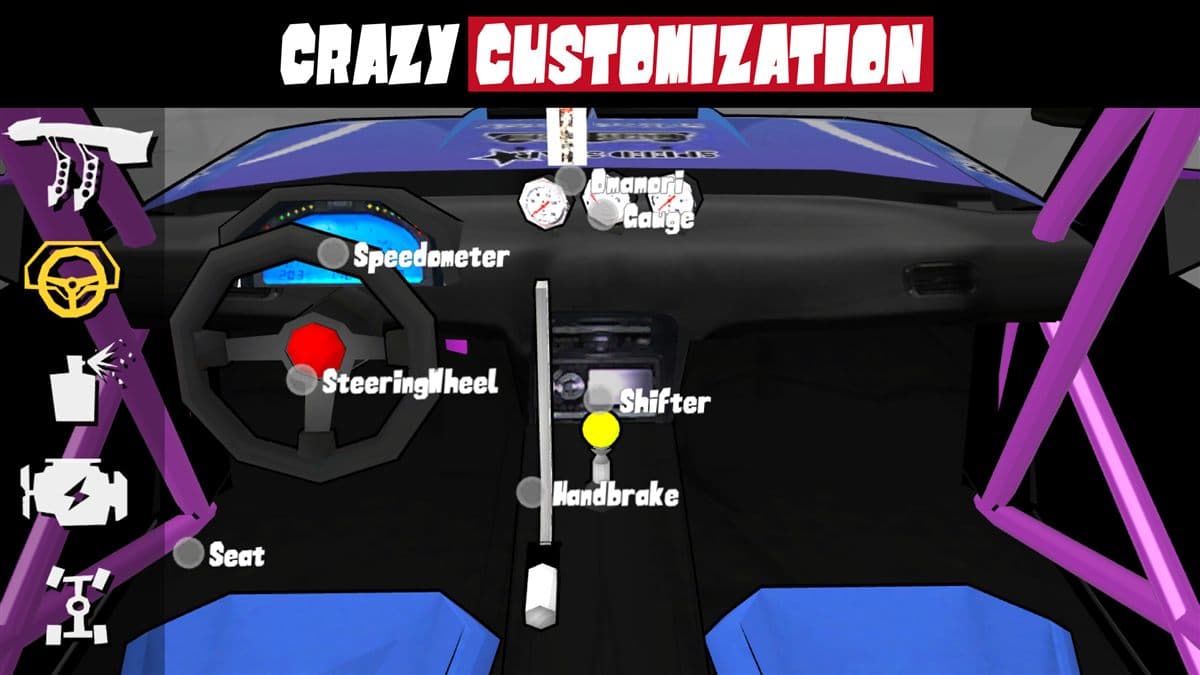
Ask ten top FR Legends drifters for the perfect setup and you will get ten different answers, but ask how they tune and the answers sound almost identical. Tuning is not about one magic combination. It is about understanding what each slider and suspension part does, knowing the trade-offs, and building a setup that matches your driving style and the track you are on. That skill separates players who hold angle for whole laps from those who spin at the first corner. This guide explains how tuning works, gives a proven baseline, covers suspension feel, track-by-track advice, and battle tuning, and ends with quick reference tables you can copy before a run. If you are still learning, our beginner drift guide covers the driving basics first, then come back and tune with purpose.
How tuning works in FR Legends
FR Legends gives you two tuning layers. The first is three main sliders: power, grip, and balance. The second is the suspension parts you buy in the upgrade shop: springs, ride height, camber, caster, and tire pressure. Both layers feed the same physics model, so a change in one affects the others. Max out grip and the car feels planted, but drop tire pressure and you lose the easy breakaway drifting needs. Parts unlock as you level up and can be installed or removed for free, so experiment without worry. If you are new, start with the best beginner car before spending heavily on parts. Here is a quick summary of the five suspension settings:
| Setting | What it does | Drift trade-off |
|---|---|---|
| Spring rate | How stiff the suspension resists compression | Stiffer means sharper initiation, but more twitchy mid-corner |
| Ride height | Ground clearance and center of gravity | Lower is more stable at speed, but less travel on bumpy tracks |
| Camber | Wheel tilt from vertical | More negative camber means more mid-corner grip, less in a straight line |
| Caster | Steering axis angle | More caster means more self-centering and stability, heavier steering |
| Tire pressure | Contact patch size | Lower pressure means more grip, higher means easier breakaway |
A baseline drift setup that works everywhere
This is the setup we recommend to anyone tired of spinning out. It is a middle ground: enough power to initiate, enough grip to hold the slide, and a balance that leans slightly toward drift. Run it for a few sessions before changing anything; a baseline only works as a reference. Start from these values:
- Power: 70 to 80 percent. Enough to break traction on demand, not so much that every throttle stab spins you around.
- Grip: 50 to 60 percent. Enough contact to hold a long angle, low enough that the rear still steps out.
- Balance: slightly drift-biased, about 40 percent toward the rear. The car still straightens up when you release the throttle.
- Suspension: medium springs, low ride height, -2 to -3 degrees front camber, high caster, tire pressure one step above minimum.
Any car in the car tier list responds to this setup, though faster cars like the RX-7 FD need less power. Compare stats across the full list of cars before you choose.
How the sliders behave
Power: raises engine output and changes how quickly the rear breaks traction. Low power is easier to control but makes initiation sluggish on wide tracks.
Grip: adjusts tire friction. High grip gives stability and long slides but makes initiation harder, low grip initiates instantly but punishes over-rev.
Balance: shifts behavior between understeer and oversteer. Drift bias lets the rear swing out, grip bias keeps the car planted through chicanes.
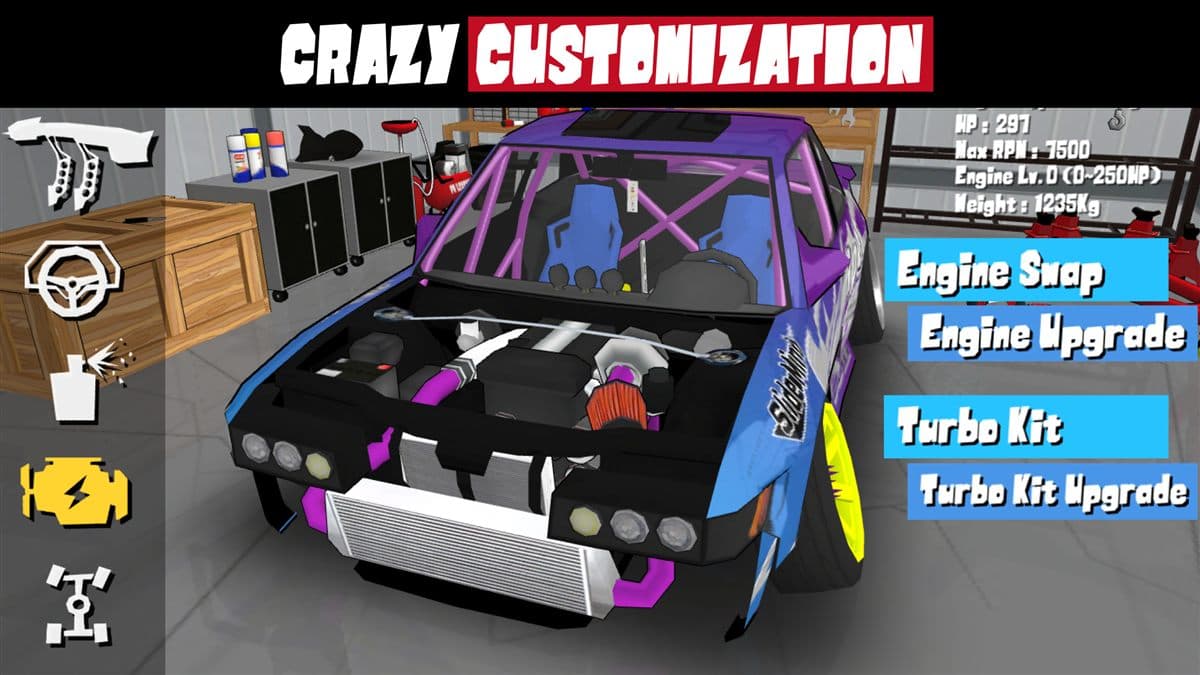
Power versus grip: the core trade-off
Almost every tuning problem comes down to this. More power and less grip gives huge angles and dramatic initiation, the drift park style, but the car is harder to hold on fast, flowing sections. More grip and less power gives consistent slides that score well and win battles, but the car feels slow to break away. The right answer depends on the mode. Single-player events reward sustained angle, so a looser car helps. Battle mode rewards proximity and control, so players lean toward grip. More detail in the battle mode guide.
Suspension and steering feel
The sliders set the overall character of the car, but suspension parts fine-tune how it feels corner by corner.
Springs and ride height
Softer springs allow more weight transfer, so the car rotates faster on clutch kick or brake. Stiffer springs keep the car flat on smooth tracks but bounce over bumps. Ride height is simple: lower is faster and more stable, but leave enough travel for bumpy courses.
Camber, caster, and tire pressure
Camber gives mid-slide grip, so negative front camber is standard for drifting. Caster adds self-centering, which helps the wheel return after aggressive countersteer. Tire pressure is the last quick adjustment: raise it to break traction sooner, lower it when the car slides too easily.
Tuning for different tracks
Track character drives your setup. On wide, flowing courses like Irwindale and Grange Motor Circuit, run a looser rear end and chase long angles at speed. On tight, bumpy courses like Ebisu Minami and the touge roads, add rear grip and raise the ride height so the car stays settled. The tracks guide notes the character of every course. When you try a new track, keep your baseline and adjust one variable after the first lap rather than guessing.
Tuning for battle mode
Battle mode changes everything: you score points for leading, chasing close, and matching lines, not for the biggest angle. A battle setup favors grip and stability: power around 60 percent, grip near 70 percent, and neutral balance. Initiation speed matters more than angle size, so keep the suspension medium and avoid the softest springs. Practice lines with the battle mode guide, then fix whichever side loses points: grip for chasing, power for leading.
Common setup mistakes
These are the mistakes we see most often in player questions and replays:
- Maxing power and grip at once, which makes initiation uncontrollable.
- Copying a pro setup without adjusting for skill level or track.
- Changing three or four variables between runs, so you never learn what each did.
- Setting ride height to minimum on bumpy tracks, then blaming the car.
- Forgetting to re-tune after upgrading the engine, since more power changes the grip balance.
Change one variable per session and write down the result; that habit fixes most problems on its own.
Quick reference: setups for every mode
Use this table as a starting point, then adjust from feel. Values are percentages of the slider maximum.
| Mode | Power | Grip | Balance | Key notes |
|---|---|---|---|---|
| Drift park | 80% | 55% | Drift bias | Big angles, soft rear |
| Touge | 70% | 60% | Slight drift bias | Raise ride height, keep medium springs |
| Battle mode | 60% | 70% | Neutral | Stability first, grip for chasing |
| Drag | 100% | 90% | Grip bias | Stiff springs, low ride height |
FAQ
What is the best drift setup in FR Legends?
Start with 70 to 80 percent power, 50 to 60 percent grip, and a slightly drift-biased balance, then tune one variable at a time.
Should I max out power for drifting?
No. Full power makes initiation violent and hurts battle control. About 70 to 80 percent gives strong angles with a manageable slide.
How do I stop spinning out mid-corner?
Add grip, lower power, and raise tire pressure. If the car still spins, move the balance slider toward neutral.
Do tuning settings matter in battle mode?
Yes. Battles reward proximity and clean lines, so grip-heavy with neutral balance usually beats a loose, big-angle setup.
Can I change tuning for free in the mod apk?
Yes. Suspension parts cost coins in the original game, but the mod apk download gives unlimited money, so every part is free to test.
Tuning is a skill you build one session at a time. Start with the baseline above and change one variable per run. Next, read how to build the perfect drift car for a full upgrade order, check our blog for more guides, or grab the PC version to practice with a wheel and pedals. Older builds with different physics are on the old versions page, and the home page has everything else you need.