
Is the FR Legends Mod Apk Safe? What We Check Before Publishing
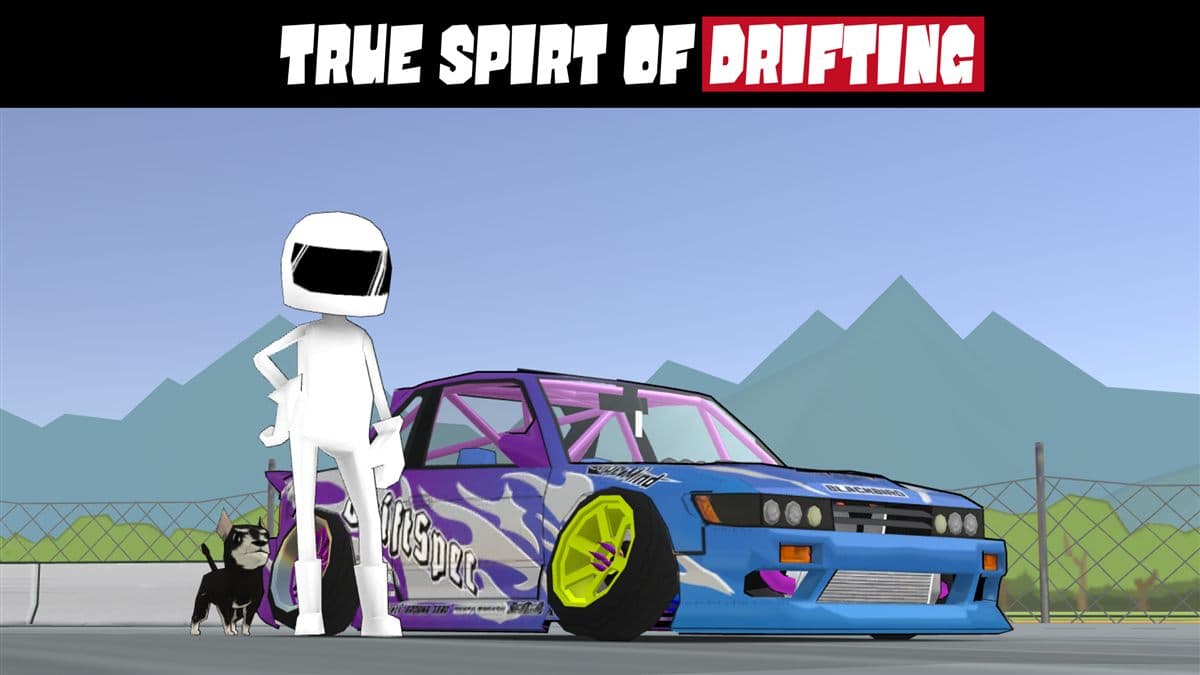
We get asked one question more than any other: is the FR Legends Mod Apk safe? It is a fair question, because every week we see YouTube videos and Telegram channels pushing FR Legends files from sources nobody can verify, and some of those files really are dangerous. The honest answer is that a mod apk can be completely safe or it can be malware, and the difference comes down to who built it, how they tested it, and how it was packaged. This article explains what a mod apk actually changes, lists the real risks without sugarcoating them, walks through the checks we run before every release, and gives you a checklist you can use on any file you download, including ours.
What a mod apk actually is
FR Legends is an Android drift racing game from Twin Turbo Tech, free to install but full of ads and locked content. A mod apk is the same game package with a few files altered before installation. In our builds, the changes are limited to unlimited money, unlocked cars and liveries, and ad removal: no network redirects, no tracking code, no background processes. A file that asks for device admin rights or accessibility access is not a simple mod anymore, so treat anything like that with suspicion.
The honest risk list
Let us be direct about the risks, because a safe answer means listing them properly. Four risks come up again and again, and you should know them before you install anything.
Viruses and malware
This is the big one. A malicious apk can carry adware, a coin miner, or worse. The risk is real, but avoidable: malware spreads through untrusted sources, not through the modding concept. A page with a version number, a release date, and a clean scan history lowers the odds dramatically.
Account bans
Any modded game carries some risk in online modes. FR Legends is mostly single player, which is why modding it is low risk in practice. Still, other players can see your cars in multiplayer lobbies, and a premium car you have not earned can attract reports. Use private lobbies if you want to drift with friends.
Stability problems
A modded build can crash or lag on some devices, usually because the patch targets one specific game version. We keep old versions online so you can roll back if a new build misbehaves on your phone.
No official updates
A mod apk will never receive automatic updates from the Play Store. When the developer ships a new version, we patch it again and post it on the download page. If you prefer seamless updates, the official game is the better choice.
What we check before publishing a release
Every build on this site goes through the same three-stage review before it goes live, so you can see exactly what happens between the developer's update and your download.
Virus scans
Each apk is checked with several antivirus engines, and we wait for all of them to finish. A clean result from every engine is our minimum bar.
Source verification
We start from the official game file, never a random copy, so we know exactly what the original code contains and can diff the patch against it. Files that cannot be traced to an official source do not get published here.
Clean install tests
We install every build on several Android versions and confirm the core features work: unlimited money, unlocked garage, no ads, save file intact. If anything breaks, it goes back for another round.
| Check | Why it matters |
|---|---|
| Multiple antivirus scans | Catches adware and malware early |
| Official base file | Patch is traceable and reviewable |
| Clean install on several Android versions | Confirms the mod runs |
| Save file intact after update | Your progress survives every release |
| Version number and release date published | You know exactly what you are installing |
Signs of a fake or dangerous mod apk
Before you install any FR Legends mod, including ours, run through this red flag list. One match is a reason to stop and reconsider.
- Permissions beyond storage. Contacts, SMS, phone, or location access mean trouble.
- Root or accessibility requirements. A coin mod should not need system access.
- No version number or release date. Untraceable files come from untraceable sources.
- A file size that does not match the page. That often means cut content or injected code.
- Promises that sound too good. "Unlimited coins after login" is a phishing pattern.
The quick version: if the page cannot tell you what the file is, who made it, and when, do not install it.
How to stay safe when installing
Installation is where most mistakes happen, so do it without cutting corners.
Verify the file size
Compare the file size on the download page with the file you actually downloaded. Our builds are roughly 250 MB. If a download is much smaller, delete it and try again.
Check the permissions
Android shows the full permission list before install. FR Legends needs storage access for its save file and nothing else. If a mod asks for contacts, SMS, phone, or location, cancel the install immediately.
Disable unknown sources safely
You must allow unknown sources to sideload anything, but do not leave that switch on forever. Install the apk, then turn the permission off again.
What to do if something goes wrong
If a mod causes problems, the fix is usually simple: uninstall it, clear the app data, and reinstall from a fresh download. If the install fails, our step by step fix guide walks through every error message. On a computer, the PC emulator guide covers BlueStacks, and the iOS version guide explains your options on an iPhone.
How our mod differs from random websites
The core question is not whether mod apks are safe, but which source you choose.
| Point | Random website | This site |
|---|---|---|
| Source file | Unknown, often re-uploaded | Official game base, patched in house |
| Virus checks | Rarely any | Multiple engines before every release |
| Version info | Often missing | Version and date on the download page |
| Hosting | Free file uploaders | Our own distribution channel |
| Support | None | Contact page and updates |
| Old versions | Gone after updates | Kept online for rollback |
Safety checklist
Save this somewhere. It takes two minutes and covers everything that matters.
| Step | Action |
|---|---|
| Before download | Check for a version number and release date |
| After download | Compare the file size with the one on the page |
| Before install | Read the permission list, storage only |
| During install | Scan the file yourself before installing |
| After install | Disable unknown sources again |
| First launch | Confirm the mod works, then delete the apk |
FAQ
Is the FR Legends Mod Apk safe to download?
Yes, from this site. Every build passes multiple virus scans and clean install tests before release. From random sources, it depends, which is why we publish our process.
Can I get banned for using the mod?
FR Legends is mostly single player, so the practical risk is low. Multiplayer reports are possible, so keep the mod for single player and private lobbies.
Does the mod work on the latest version of the game?
Each release targets the current official version, and we update it whenever the developer ships a new one. Older builds stay in the old versions archive.
Why does my antivirus flag the mod apk?
Sideloaded apps are unsigned, so scanners flag them more aggressively. That is standard. What matters is where the file came from.
What if the mod stops working after an update?
Uninstall the old build, download the latest one from the download page, and reinstall. If it still fails, check the troubleshooting guide or contact us.
Safety comes down to one habit: know where your file came from. That is why we publish our release process and keep old versions online. If you want to explore more, the rest of the blog has a guide on earning free coins the legit way, plus coverage of the FR Legends 2 mod. Our terms of use, privacy policy, and disclaimer explain how this site works, or you can start from the home page.