
FR Legends Mod Apk Not Installing? Fixes for Every Error
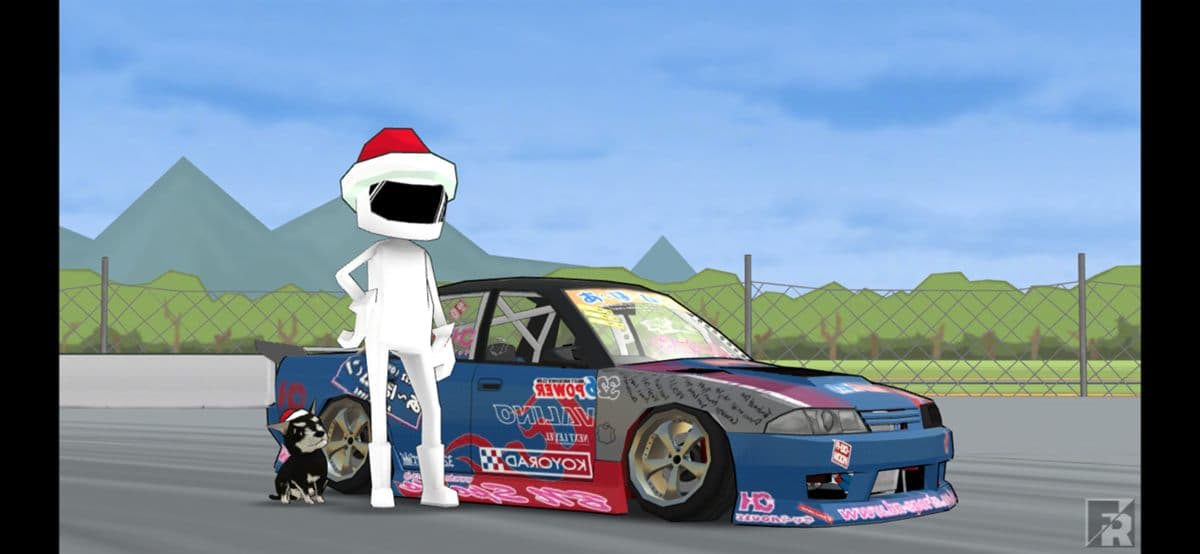
Few things are more frustrating than downloading an FR Legends mod apk, tapping Install, and watching Android throw back an error instead of dropping you into the drift lanes. The good news is that almost every install failure has a known cause and a fix that takes a few minutes. This guide walks through the errors players report most often, from the vague "App not installed" message to parse errors and incomplete downloads, and shows you the exact fix for each one. We also cover storage and permissions, what to do if the game crashes right after a successful install, and how to perform a clean install from scratch. Work through the steps in order and you should be racing your friends before your next session.
Why FR Legends mod apk will not install: the usual suspects
Install failures on Android almost always come down to a small set of causes. The file is damaged, the download never finished, the phone is out of storage, Android blocks the sideload, or a newer build conflicts with an older version already on the device. Knowing which of these you are dealing with makes the fix obvious. The table below covers the messages you are most likely to see.
| Error message | Cause | Fix |
|---|---|---|
| "App not installed" | Old version or conflicting signature | Uninstall the previous build, then install again |
| "There was a problem parsing the package" | Corrupt or incomplete apk | Re-download the file and check its size |
| "Insufficient storage available" | Phone memory is full | Free at least 1 GB and retry |
| "Install blocked" | Unknown sources not allowed | Enable install from unknown sources for your browser |
| Download stops at 50 percent | Unstable connection or file host | Use a stable connection and re-download |
"App not installed" fix
The most common failure by far. The installer refuses to place the file without telling you why. Nine times out of ten it is one of the three causes below.
Uninstall the old version first
Android refuses to overwrite an app when the signatures do not match. A stock FR Legends install and a mod build carry different signatures, so the phone treats the mod as a different app and blocks it. Remove the old version from Settings, Apps, then try the mod again. Note that uninstalling deletes your local save, so back up progress if you can.
Verify file integrity
A truncated download gives you an apk that looks fine but fails silently at the end of the install. Compare the file size on the download page with the size of the file in your Downloads folder. A mismatch means the download failed and the file must be fetched again.
Re-download from a clean source
If the size matches and the old version is gone, delete the apk anyway and grab a fresh copy. Some browsers and download managers cache partial transfers, and the cached copy can be corrupt while still reporting the right size.
Parse error fixes
"There was a problem parsing the package" sounds technical but points at three things, each with a clear fix.
Wrong architecture
Every apk is built for a set of processor types, arm64 on virtually all modern phones and armv7 on older budget devices. A build for the wrong architecture will not install. If you have a very old phone, check the old versions archive for a build listed as compatible with your device.
Corrupted file
Parse errors are the classic symptom of a damaged download. Re-download the apk over a stable connection, ideally on Wi-Fi, and try again. Do not move the file between devices with a cable mid-download.
Android version too old
Newer mod builds target recent Android versions. If your phone runs Android 7 or lower, use the oldest build from the old versions list instead of the latest release.
Storage and permissions
Two settings cause a surprising share of failures.
- Free storage: FR Legends needs about 500 MB free for the install, and more later for liveries, replays and updates. Clear cached data from other apps or move photos to the cloud.
- Install from unknown sources: on Android 8 and up, allow this per app. Open Settings, Security, and enable unknown sources for the browser or file manager you use to open the apk.
- SD card installs: some devices fail when the apk sits on external storage. Copy the file to internal Downloads and install from there.
- Play Protect: Google's scanner flags every sideloaded apk. Tap More details, then Install anyway. The file from our download page is scanned and safe.
The game crashes after installing
An install that succeeds but crashes on launch usually means leftover data from an earlier build or a bad first write. Clear the app cache first: Settings, Apps, FR Legends, Clear cache, then relaunch. If it still crashes, uninstall completely, restart the phone, and install again. A reboot clears the cached install sessions Android keeps, and that alone resolves many crashes. For tips once you are back in the game, see our how to drift in FR Legends guide.
How to install FR Legends mod apk step by step
Follow this exact order and most problems never appear.
- Uninstall any existing FR Legends or mod build on the device.
- Allow install from unknown sources for your browser and file manager.
- Download the apk from the download page and let it finish completely.
- Check the file size matches the one listed on the page.
- Tap the apk in Downloads and confirm the install when prompted.
- If Play Protect warns, choose Install anyway.
- Open the game once, grant storage permissions, then restart it to load all resources.
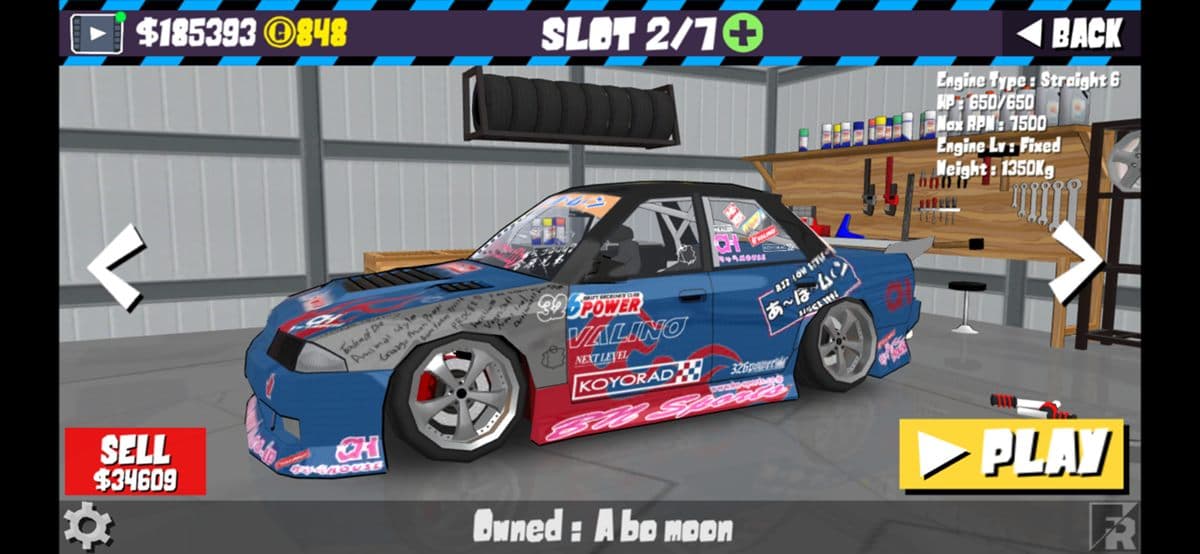
Some mod builds ship with an obb data folder. When the game opens to a black screen or a downloading screen that never finishes, look for the folder name from the mod release notes and place the obb under Android/obb on the internal storage. Rarely needed for FR Legends, but worth knowing if you hit it.
Where to get a clean download
File source matters more than any setting. A clean apk installs first try; a repacked one fails in a dozen different ways. Use the download page for the current version, the old versions archive when your phone is older, and the is the mod safe article if you want the details on what the file contains. Playing on a bigger screen? The FR Legends for PC guide covers emulators, and iPhone users can check the iOS page. Once the game is running, head to the full cars list to pick a chassis, then grab fresh livery codes to style it.
Quick reference: last resort fixes
| Situation | What to try | Works when |
|---|---|---|
| Install fails after a Play Store update | Uninstall, reboot, reinstall | Signature conflicts and stale caches |
| Everything fails on an old phone | Use the oldest compatible build | Architecture or Android version limits |
| Mod works, then stops opening | Clear cache, restart the phone | Corrupt session data |
| Antivirus deletes the apk | Pause the scanner while downloading | False positives on sideloaded files |
| No luck after all of the above | Try the FR Legends 2 mod build instead | Different build, different install path |
FAQ
Why does my FR Legends mod apk say app not installed?
Usually an old version with a different signature is still on the phone. Uninstall it first, then install the mod again.
What does a parse error mean?
The apk is corrupted, incomplete, or built for a different processor. Re-download it over a stable connection and compare the file size.
Do I need to enable unknown sources?
Yes. Android blocks sideloaded apps by default. Allow install from unknown sources for the browser or file manager you use.
Is the FR Legends mod apk safe to install?
Files from this site are scanned and verified. Read the safety guide for the full details.
Does the mod work on iPhone?
No, sideloading works differently on iOS. See the FR Legends mod for iOS page for options.
That covers every install error we have seen in support. If a specific step is unclear, leave a comment and we will expand it. While you are here, browse the blog for more FR Legends guides, or jump straight into drift training once the game is running.